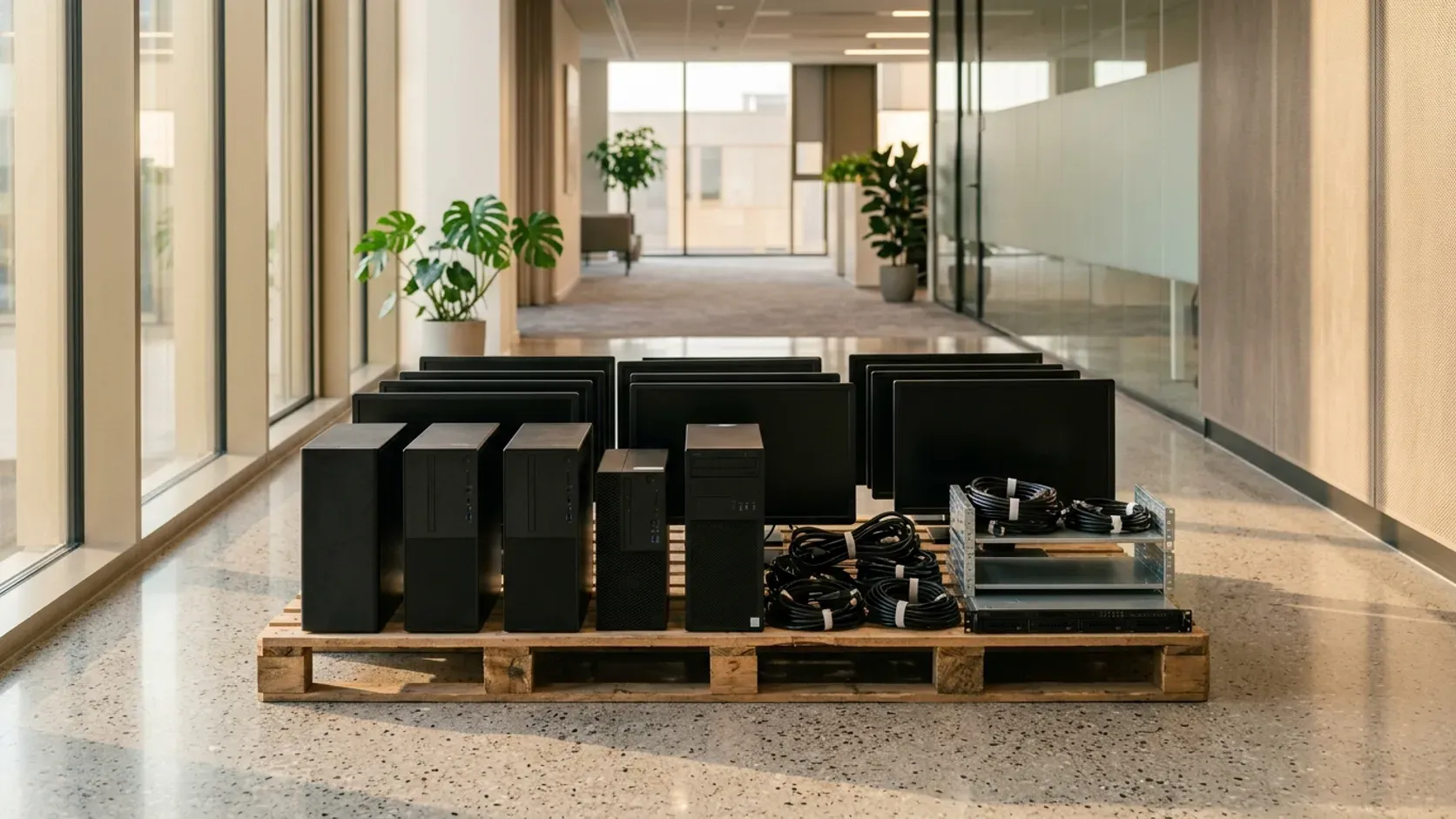
A home printer and a box of old cables are two lists, and a booking that names only one of them is incomplete. The printer can still hold paper, cartridges and a memory stick. The box can still hold a lead that a television or a router is using. Separate them before you ask anyone to carry them out.
Stand the printer where you can see the four sides, and tip the box onto a clear patch of floor. A closed carton and a printer with its trays shut will be read as one small item. They are not.
Two inventories, not one bag
Write two headings on a piece of paper, or in the note you will send: printer, and cables. Under the printer, list what is still in it and what you have taken out. Under the cables, list the bundles you are sending and the leads you are keeping. If you cannot fill both headings, you have not looked yet.
The printer is one object even when it prints, scans and copies. Do not describe it as “a box of electronics” because it is rectangular. Say whether it sits on a desk, on the floor, or still on a shelf you have not cleared. Say whether a second printer is in a cupboard. A spare you forgot is a second line, not a surprise on the day.
The cable box is a container, not a description. Open it. A box that was meant for cables can hold a router, a laptop charger, a hard drive, a games console, or another printer’s power pack. Each of those is its own line. If you leave them inside and write “cables”, the visit is priced and packed against the wrong list.
Keep the two lists even when the printer and the box will leave on the same visit. Same visit is not same item. The person who looks at the photos needs to see a machine and a set of bundles, not a single dark carton.
Paper, a manual, a software disc and a torn carton the printer arrived in are not cables and not the printer. Stack the paper where you can decide it later. A manual can stay with the printer if you want the next person to see the model, or it can go with ordinary paper. Do not stuff the manual into the cable box to save a decision. The box then stops being a cable box.
Empty the printer before it moves
Open the trays. Take the paper out, including the sheet that sits half-fed, the sheet in the output tray, and the sheet on the scanner glass if the machine has one. A sheet left in the path is how a machine arrives with a jam you did not mention.
Take the cartridges out. Ink and toner cartridges are a third group, neither the machine nor the cables. Bag them, label the bag “cartridges”, and keep that bag out of the cable box and out of a kitchen rubbish sack. Whether a drop-off point or a collector takes cartridges with the printer, or wants them separate, is a question for the route you choose. The electronics routes are where that question is answered. This page does not add a rule about ink.
If a cartridge is jammed, stuck, or leaking powder, do not bang the machine to free it, and do not tip the powder into a bag of mixed waste. Leave the cartridge where it is, photograph it, and write “cartridge stuck” or “powder in the tray”. A person can then decide whether the machine is still a normal carry. Do not open the casing with a screwdriver to reach a drum, a roller or a belt. Parts behind the covers are not loose accessories.
Look for a memory stick, an SD card, or a small drive in a port. Remove it. If the printer’s own menu has a step that clears stored scans or fax pages, and you can run that step while the machine still has power, run it before you unplug. If you cannot find such a step, say so. Unplugging is not the same as clearing a memory. This page does not wipe a computer, and it does not promise a certificate that data is gone. A home printer is not an office server. If the machine was used for work files you still need, copy them off before you clear anything.
Coil the printer’s own power lead and its own USB lead, if you still have them, and tape each coil to the machine or bag them in a pouch labelled “with the printer”. Those two leads belong to the machine. If they fall into the general cable box, the next person cannot tell which lead starts the printer and which lead belongs to a lamp.
Empty the drawer under the printer, if it has one: spare paper, a spare cartridge, a screwdriver, a stack of envelopes. The drawer is part of the machine only when it is empty or when you have listed what remains. A drawer of mixed stationery is a third photo.
If the printer is still on a network, you do not need to explain the network. You do need to unplug it from the router when you are ready, and to leave the router itself in the “keeping” pile unless you have decided the router is leaving too. A router that is still providing the flat with a connection is not a cable.
Leave the printer assembled. Do not remove the lid, the scanner bed or the rear panel to make it lighter. Weight you have not measured is not a reason to take a machine apart in a hallway.
Sort the cable box on the floor
Tip the box out. Sort into three piles you can point at.
The first pile is leaving with the printer: spare USB leads, old printer leads, and chargers for devices you no longer have. Coil each one. A tangle is not a count. Ten coiled leads and a knot of forty are different loads, and a closed box hides which one you have.
The second pile is leaving but is not the printer’s: phone chargers, laptop chargers, HDMI leads, ethernet leads, and power packs for speakers or a games console you are also sending. Keep this pile in its own bag, labelled. A power pack is a small brick, not a cable. If you bury the bricks in the cable bag, the bag looks lighter than it is and the bricks knock against each other.
The third pile is staying. That is the lead from the router to the wall, the lead the television is using, the charger for a phone you still have, and any cable you cannot identify but that disappears into a device that is still on. If you cannot see both ends of a lead, do not pull it. Follow it. A lead you pull because it looked spare can be the one that feeds the building’s internet point or a set-top box you meant to keep.
Tie or tape the staying leads back where they were, once you know they stay, so they do not creep into the leaving photo. The leaving photo should show only the first and second piles.
A box that also contains a laptop, a tablet, a phone, a hard drive or a console is no longer a cable box. Put those devices on the printer’s side of the room, or on their own patch, and name them. A laptop still holds files. Remove it from the pile until you have copied what you need and removed any storage you can remove without tools. Do not send a laptop inside a cable bag because it was in the same carton.
Loose batteries, and any pack that is swollen, split or leaking, do not go in the cable bag. Set them in a closed container away from heat, and say that you have done so. Do not puncture them to make them smaller. What a drop-off point accepts is on the electronics routes page, not guessed here.
Look at plugs and adapters you do not recognise. A travel adapter, a multi-socket bar, and a loose kettle lead are different objects. A kettle lead can belong to a kettle you are keeping. Put unknown plugs in the staying pile until you have matched them, rather than in the leaving bag by default. Match them at the desk. A lead that has already left cannot be matched.
Count the leaving bundles in the note: “four coiled USB leads, six phone chargers, two power bricks, one HDMI”. A sentence that says “a box of old cables” will be read as one box. Your count replaces that sentence.
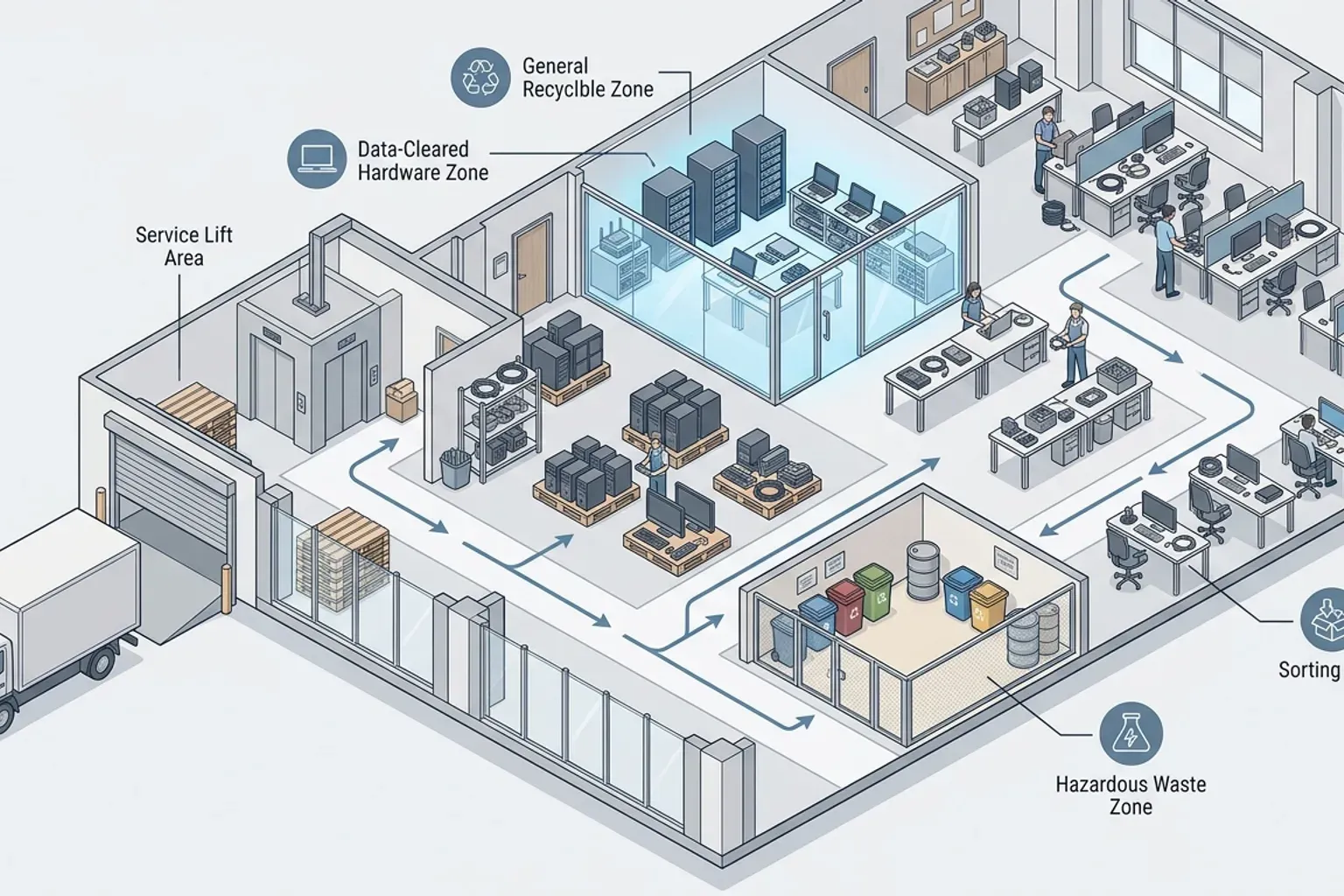
The drawing shows an office sort beside a loading route. It is not a photograph of a home printer or of a household cable box. Copy the split only: the machine in one group, the leads in another, power packs where you can see them. Do not copy the office floor, and do not add servers, racks or a loading bay you do not have.
Label the bags with tape and a pen. “Cables — leaving” and “cartridges” are enough. A bag with no label will be opened on the day by someone who has to ask you what it is, which is the same delay as not sorting.
If the original cable box is split, stained or too large for what remains, use a smaller bag and recycle the empty carton with your ordinary cardboard only if you already know that carton is clean and accepted with cardboard. If you are not sure, leave the empty carton beside the bags and name it as cardboard, not as cables. Cardboard and cables in one sack undo the sort.
An office floor is a different job
One printer in a home is not a floor of computers. The office IT clearance is desks, monitors, servers and a commercial building’s loading arrangements. Stay on that page when the printer sits among other office machines, or when someone at the business has to decide what happens to stored files before the hardware moves.
Do not copy an office checklist onto a flat. You do not need a loading-bay permit for a single machine unless the building has already told you that you do. If the building has told you something, copy that instruction into the note. Do not turn one building’s instruction into a rule for the next building.
A printer that belongs to an employer, a school or a rented office, and that you are not allowed to release, stays where it is. Keys to a flat do not decide a machine that a company still owns. If a sticker, a lease label or an asset tag is on the casing, photograph the tag and ask the person who can release it before the printer is in a leaving pile. This page does not interpret a lease.
A home office in a spare room is still a home when the only electronics leaving are this printer and this cable box. The desk, if it is also leaving, is furniture and needs its own line. If that desk is a standing desk in the home, the standing-desk note is the preparation. Do not hide a desk in the word “printer”. Drawers get emptied first, on the desk’s own terms, so paper and a spare cartridge are not left inside a pedestal that was described as empty.
Keep cables out of a general waste bag
Cables and a printer do not go into a black sack with kitchen rubbish, and they do not go into a bag of tiles, offcuts or packaging from a refit. If the machine happens to be standing in a pile of that kind, keep cables out of a general waste bag and lift the printer and the bundles out of the pile before you photograph them.
That waste page is a project or site load. It is not the place that owns a home printer. Mixing the two is how a small machine is quoted as rubble, or how a bag of leads is crushed under offcuts. Photograph the printer on a clear patch of floor even when the rest of the room is a renovation. Say, in the same message, that the renovation pile is a separate list if it is also leaving, or that it is not part of this visit.
Do not flatten the printer into a carton to make it look like packaging. It is a machine with cartridges and a glass or a plastic lid. Packaging from the day it was bought can be flattened if it is empty. The machine cannot.
A chute, a bin room and a sack by the service door are not a plan for this load. If you were about to carry the printer down because it feels small, stop and use the routes page to see which official options exist, then decide whether you still want it carried from the room. Small is not the same as acceptable in a household bin. This page does not restate the bin rules. It stops the printer being lost inside a bag that was meant for something else.
Routes for electronics live on another page
Where a printer, a cartridge or a bundle of leads can be taken, and which official options exist, is already written. Use the electronics routes page for that choice. This page starts once you have decided the printer and the listed cables are leaving, and you need them prepared so the photos match the load.
Do not treat this note as a list of drop-off sites, a statement of what a centre accepts, or a timetable. Those details change, and they are not re-copied here. If a working printer has someone who will take it, arrange that handover yourself and keep the machine out of the leaving photos until the person has it. A message that says someone might want it is not a handover. Until they collect it, the printer is still in the room and still on your list, or you decide it is waste and prepare it as waste.
A television, a fridge or a washing machine in the same room is not absorbed by this note. Name the screen or the appliance as its own item. A television’s leads can sit in your cable sort only when you have decided the television’s leads are spare. The television itself stays on its own line.
Reuse, a shop that might buy the printer, and a guess at what the machine is worth are outside this page. The business removes items. It does not buy them, sell them or price them for you.
Photograph the printer and the bundles
Send three photos at minimum.
The first is the printer with the trays open, so it is obvious the paper is out. Include one side so a port, a stuck cartridge or a crack is visible if there is one. If the cartridge bag is beside it, that is useful. If a cartridge is still jammed, the open tray should show that.
The second is the leaving bundles, spread so the coils and the power bricks can be counted. A photo of a closed box fails this step. If you have two bags, photograph both, or one wide photo in which both labels can be read.
The third is anything you set aside and are not sending: the staying leads, still plugged in; the memory stick; a swollen battery in its container; a laptop you removed from the box. This photo stops those objects being read as part of the load.
Add the floor, the door the machine will leave by, and whether there is a lift you have already been told to book. If you have not been told, write “no lift instruction yet”. Do not invent a booking. A villa ground floor and a tower bedroom are different carries. Say which kind of door you have, in ordinary words, without turning one building’s rule into a rule for other buildings.
If the printer is heavy enough that you would not carry it down the stairs yourself, say that, and photograph the tightest turn between the machine and the way out. You do not need a measured survey. You need the person reading the photo to see a stair, a narrow corridor, or a clear lobby. A close-up of the brand badge does not show the stair.
Take the photos in daylight or with the room light on. A black rectangle of a closed lid is not a description. Open the lid if the machine has one, then close it again before it is carried, so the glass is not the face that meets a door frame.
Book the printer as electronics
A collection for the printer and the cables is the booking once the two lists are real and the photos show them. This is the machine and the bundles you named. It is not an office clearance, and it is not a bag of mixed renovation waste.
In the message, say:
- that the item is one home printer, and the model line on the front if you can read it
- that the paper is out, and what you did with cartridges
- whether a memory stick was removed, and whether you ran a clear step on the machine or could not find one
- the count of leaving leads and power bricks
- what you set aside and are not sending
- anything stuck, leaking or swollen
- the floor and the door, and any lift note the building has already given you
- whether a renovation pile or other furniture is a separate list or is not part of this visit
Do not write “old electronics” as the only line. Name the printer. A count of bags without a photo of open trays will not show that the machine is empty.
If a second device came out of the cable box, name it in the same message or take it off the list. A laptop that still has your files does not leave because it was in the carton. A router that is still in use does not leave because its spare lead did.
If you have not emptied the trays, you are early. Empty them first. A collection booked against a closed machine cannot know what is inside it.
The office guide remains the commercial floor. The electronics routes page remains the choice of where electronics can go. The waste page remains the project pile, with the cables kept out of it.
On the morning it leaves
Put the printer and the labelled bags where you showed them in the photos, not back inside a cupboard. Point at the staying leads so they are not picked up with the spare coils. Point at the cartridge bag and say whether it is going or staying for a separate question.
Walk once from the printer to the door before anything is lifted. A chair, a laundry rack or the empty carton you meant to flatten can be the thing that blocks the turn. Move those aside. Do not leave the printer in a corridor or a lift lobby to save time inside the flat unless the building has told you that place may be used. If it has not, the machine waits in the room.
Check the staying pile after the leaving bags are gone. The router lead, the television lead and the phone charger you kept should still be there. The memory stick should be where you put it, not in a bag that has left. The cartridge bag should match what you said in the note.
If you find another printer, a drawer of cartridges or a second box of leads after the first load has gone, that is a new list and new photos. Do not describe it as part of the visit that already left. A closed cupboard you did not open is how the second printer appears.
The useful record is the two headings you wrote at the start: what was in the printer, and which cables were actually spare. A box that left unopened is not that record.