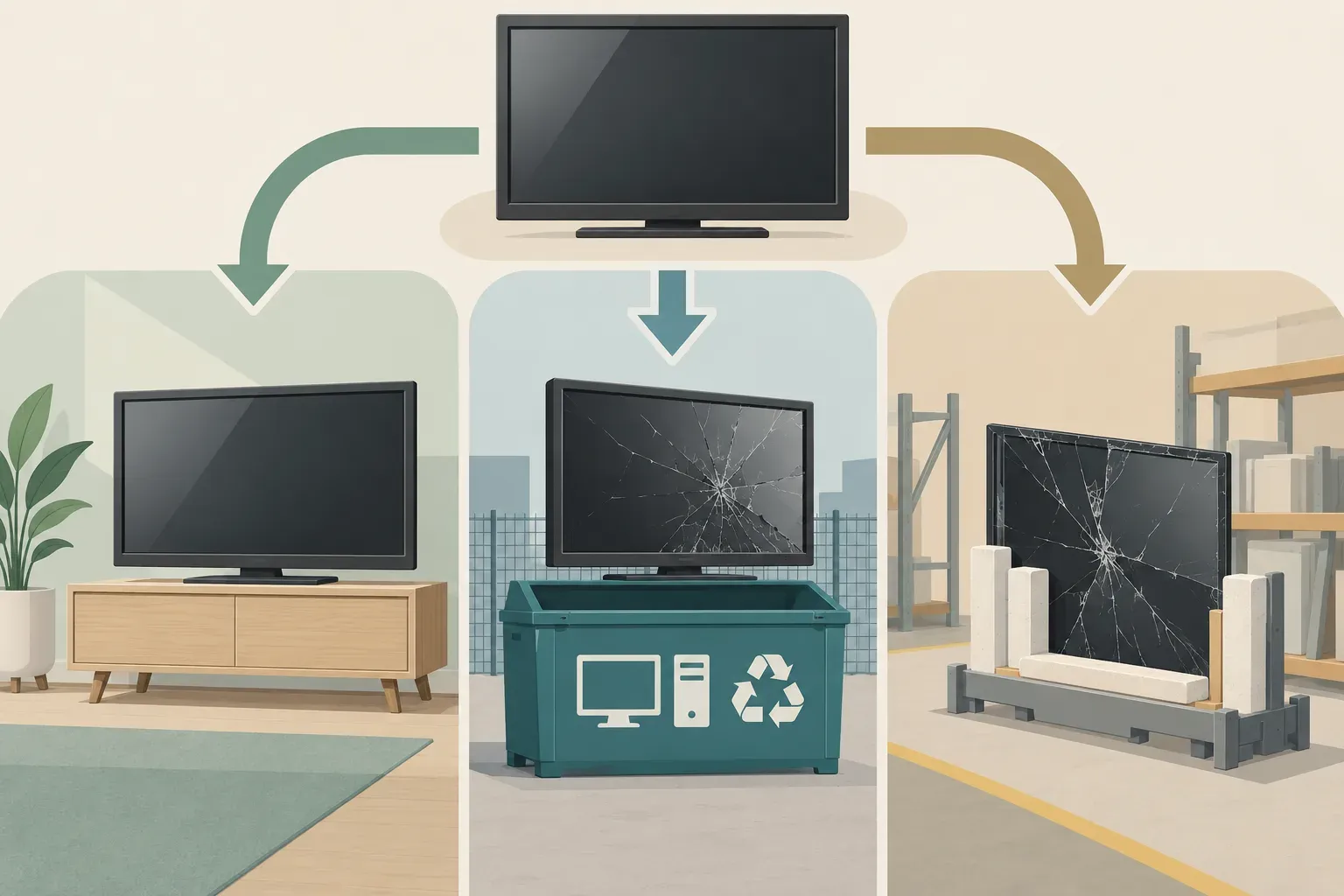
An old television needs a different exit plan from an ordinary bag of household waste. A flat screen is fragile, awkward to carry and classed with electrical and electronic equipment when it is no longer usable. The useful question is not simply who can lift it. It is whether the set still works, how it can leave the property safely and which reuse or electronics route will receive it.
For a working TV, a direct handover to someone who wants it may be the simplest option. For a broken one, Dubai Municipality's waste guidance points household electronics toward designated e-waste collection channels or approved companies. Its separate bulky-waste service also lists electrical appliances and electronics among the items residents can request for collection, subject to service eligibility. A paid appliance collection can handle the carrying and scheduling when a building handover or delivery deadline leaves little room to wait.
Decide whether the television can actually be reused
Test the set before advertising or donating it. Connect a known working power cable, turn it on, check that the picture and sound are stable, and look for obvious damage to the screen. A set that lights up for a moment and then shuts down is not ready for another home simply because it looks clean. Likewise, a remote with missing buttons or a missing stand should be disclosed. The recipient needs enough information to install the set without buying hard-to-find parts.
Record the screen size, model number, approximate age and included accessories. Photograph the television switched on, its front and back, the stand or wall mount, and any cracked casing. If it is a smart TV, sign out of streaming apps and perform the manufacturer's factory reset before handover. Remove saved Wi-Fi details and linked accounts. A reset is a practical privacy step; it does not turn a damaged set into a usable donation.
For a direct transfer, agree who will disconnect, pack and carry it. A message saying “free TV, collect today” leaves too much unresolved in a tower. The receiver may arrive without a trolley, protective blanket or approval to use the service lift. Confirm the building's visitor and loading rules before promising access. If the recipient misses the appointment, keep a second route available rather than leaving the TV in a corridor.
What to do with a broken or obsolete screen
Dubai Municipality's Waste Segregation Guide treats electrical and electronic waste separately from ordinary general waste and directs it toward Smart Sustainability Oasis points or approved companies. A TV is therefore not something to force into a residential bin, beside it or into a cardboard recycling cage. A bin collector cannot assess a fragile screen and its components safely on the normal household route.
The Municipality's free bulky-waste service names electrical appliances and electronics among the bulky items it collects. Check the current service page or contact channel for eligibility, timing and the handover arrangement at your address. Do not assume that a building's security team can accept the TV, that a driver will carry it down from your apartment, or that every area uses the same collection arrangement. A scheduled request is different from setting an item outside and hoping it disappears.
Where those routes do not fit your timing, a removal service can collect the TV from inside the property and route it with other e-waste. Our existing appliance-disposal service lists TVs and other electronics, with metal and e-waste separated for licensed handlers. Ask about the exact item and collection address when you send photos. If you need a formal recycling certificate, request confirmation before booking; do not infer that every household collection includes one.
Protect the screen before anyone moves it
Unplug the set and remove all cables. Bundle each cable separately so a loose lead cannot catch under a trolley wheel. If the screen was wall-mounted, confirm who will detach it, what tools are needed and whether the bracket stays with the property. Do not pull a mounted screen forward without supporting its weight; the bracket can release suddenly and a thin panel can flex. If the unit is large, use two people and follow the manufacturer's handling instructions.
Keep the TV upright where possible. Protect the front with a soft clean layer and a rigid outer surface, without pressing tape directly onto the display. The original carton and shaped inserts are ideal if they are still available. Otherwise, use a padded moving blanket and secure it around the body, not across an exposed panel edge. A cracked screen should be handled as broken electronics: avoid touching exposed glass and tell the collector what is damaged before arrival.
The stand, remote, power cable and mounting screws should be bagged and labelled. If the TV is going to a reuse recipient, missing parts can make an apparently generous transfer useless. If it is going for recycling, keeping accessories together helps the receiver identify what arrived. Never put batteries loose into the television packaging; separate them for the appropriate battery collection route.
Plan the building route, not just the pickup time
In a villa, the path may be a short run from the living room to the driveway, but check steps, narrow gates and any parked vehicle blocking the entrance. In an apartment, the distance from the unit to the loading bay can matter more than the screen size. Measure the set's widest dimension including its stand and packaging, then check the apartment door, corridor turns and lift doorway.
Ask building management whether a service-lift booking or move-out permission is needed. If there is a timed booking, arrange the recipient or crew within that window. A residential lift may be inappropriate for a large screen even when it fits: protection rules and the loading bay may dictate the route. Keep hallways and fire exits clear while the set is staged. A television left in a shared corridor is an obstruction and is not a completed handover.
When a new set is being delivered, check whether the retailer will take the old one away and exactly when. Some installation appointments only cover the new product. If old-unit collection is not part of the confirmed order, arrange removal before or after delivery with enough space for installers to work. Avoid scheduling both teams for the same lift slot.
Choose the route that matches the deadline
Use direct reuse when the TV works, a recipient is confirmed and you can make a safe handover before your deadline. Use the Municipality route when the item and location are eligible and its current collection timing suits you. Use a paid collection when carrying from the apartment, a fixed handover time or a mixed load of other appliances is the real problem. None of those routes excuses leaving a screen on the pavement or in a bin room without authorisation.
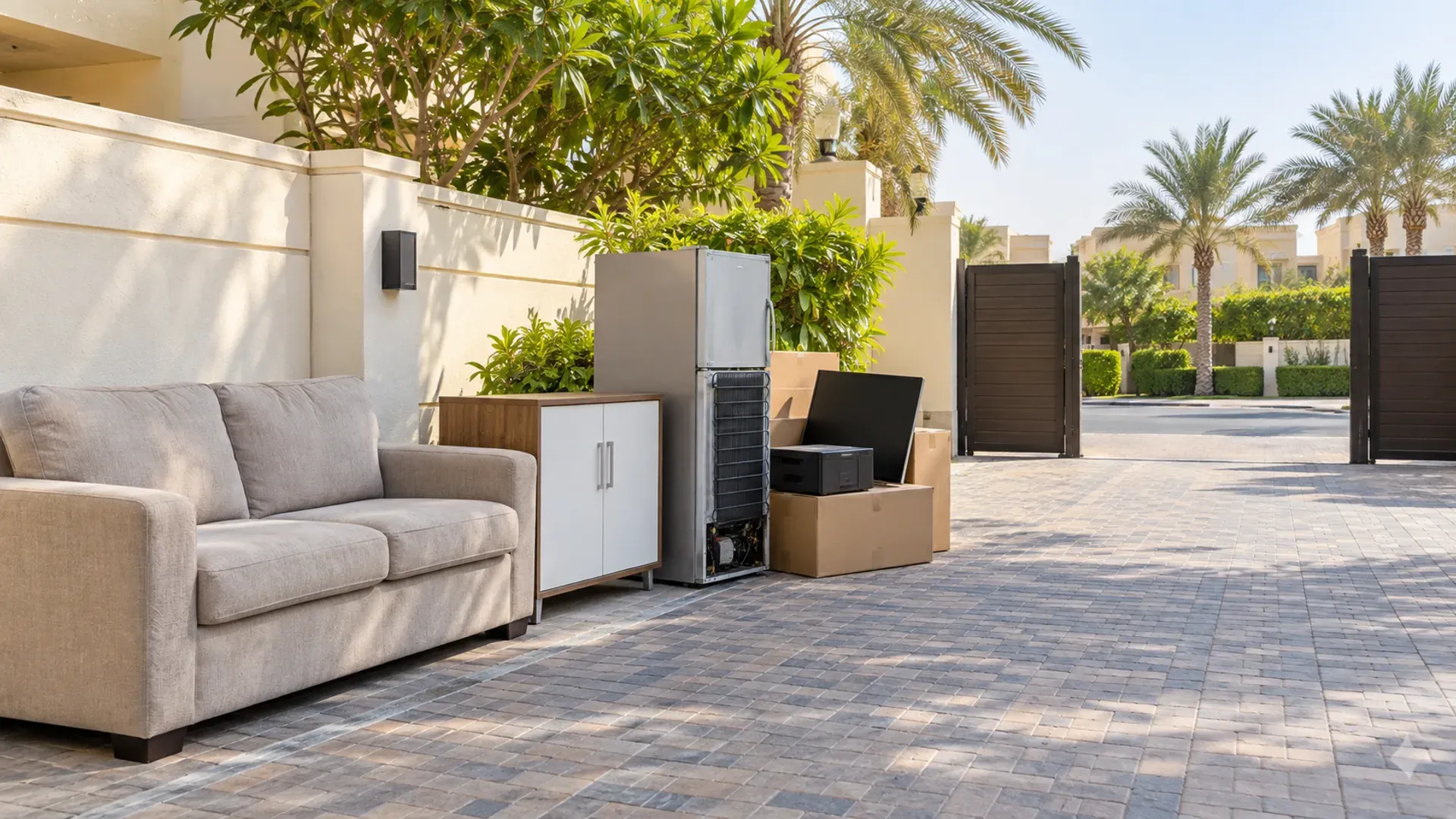
If several electrical items are leaving together, photograph them as one group. A TV, monitor, printer and old router may share a pickup, but each should be described. Remove your data from devices that store it; the TV's factory reset is separate from proper data erasure on a computer or drive. The e-waste guide explains the wider sorting routes, while the fridge guide covers refrigerant-containing appliances that need different handling.
Questions to settle before booking a collector
Give the collector the screen size, whether it works, whether the display is cracked, the floor number, the availability of a service lift and your deadline. Include photos showing the entire unit and the access route. Ask whether the quoted work includes removal from the wall, carrying from inside the unit, protective materials and any additional items. A clear quote should say what is included rather than leave the wall mount or loading-bay transfer for the day of pickup.
If the television is part of a tenancy exit, photograph the empty wall and the condition of the room after removal. Check whether the bracket belongs to you or the landlord before taking it down. Fill no holes or alter wiring without the relevant permission. For a cracked unit, tell the team in advance so it can be packed with the right precautions.
The most reliable plan is simple: test and reset a usable set, hand it directly to a confirmed recipient if possible, and use a designated electronics or booked bulky collection for anything that cannot be reused. Arrange the lift and loading route before the pickup day. That keeps the television out of the ordinary bin and prevents a last-minute obstruction at your door.
Common TV disposal situations
The television works, but nobody has confirmed collection
Do not mark the item as donated merely because an online listing has attracted messages. Confirm a named recipient, a date, an address and how the set will be carried. Send a short video of the picture and sound working, plus photographs of the ports, stand and accessories. This gives the recipient a fair basis for deciding whether the set suits their space. If they cancel, keep the television inside the property until another route is booked. Building staff should not inherit the problem because an informal handover fell through.
The screen is broken but the casing is intact
Describe the defect precisely: no power, no picture, cracked display, damaged ports or intermittent sound. A working-looking exterior can mislead a collector into treating the set as reusable. Keep the screen upright and protected, even if it is destined for material recovery. Broken glass and exposed edges raise a handling concern, while further damage makes it harder for a receiving facility to identify and separate components. If shards are loose, do not attempt to press them back into the panel; protect the area and advise the collector.
The set is still fixed to a wall
Check the tenancy or fit-out agreement before removing the mount. The bracket may belong to the property, and removing it may expose unfinished plaster or wiring. Ask the installer or a competent technician to detach any heavy or complex installation. If the removal service is expected to take down the television, send a photograph showing the bracket, wall and accessible fixings and confirm that this task is in the quote. Keep the manufacturer's hardware for the recipient if the set is going to another home.
There is a TV and a pile of other electronics
List the items individually. Monitors, printers, speakers, routers, cables, batteries and computers do not all have the same privacy or battery-handling implications. Back up and erase personal data on computers and storage devices before collection. Remove accessible batteries from remotes and keep them separate from loose metal or damaged electronics. If an item has a swollen battery or signs of heat damage, alert the recipient and seek a specialist route rather than slipping it into an ordinary mixed electronics box.
What a good handover looks like
On collection day, the set should be disconnected, accessible and described accurately. The collector should know whether it is reusable or damaged, whether it needs to be lifted from a wall, and which building route has been approved. You should know whether the team is collecting from inside the unit or only receiving it at the loading bay. Those details determine whether the job can happen within the booked window.
After the item leaves, retain any booking reference or collection confirmation that was actually provided. If you are handing over a rented apartment, take a room photograph showing the TV has gone and the wall's condition. If you are transferring a working set directly, a short written message confirming receipt avoids later confusion over missing accessories or timing. For a broken set, keep the reuse claim out of the record; describe it as electronics for the appropriate waste route.
The disposal decision should follow the set's condition, not the convenience of the nearest bin. A working TV deserves a confirmed new user. A broken one needs the designated electronics pathway or an eligible bulky-waste booking. The carrying plan connects either route to the realities of a Dubai building: permission, lift time, packaging and a clear handover point.